
Saving and Resting: Protecting Progress at Crystal Monuments
Choose Save at a Crystal Monument when you want to preserve progress; do not assume resting alone records every discovery. The launch-version
FAQ
When should you save?
What does Rest change?
When should you save?
Save after obtaining a key, a useful weapon or an important shortcut. Returning briefly can prevent repeating a long route after a boss attempt. The opening walkthrough specifically recommends saving after recovering the Endu Shrine Gate Key.
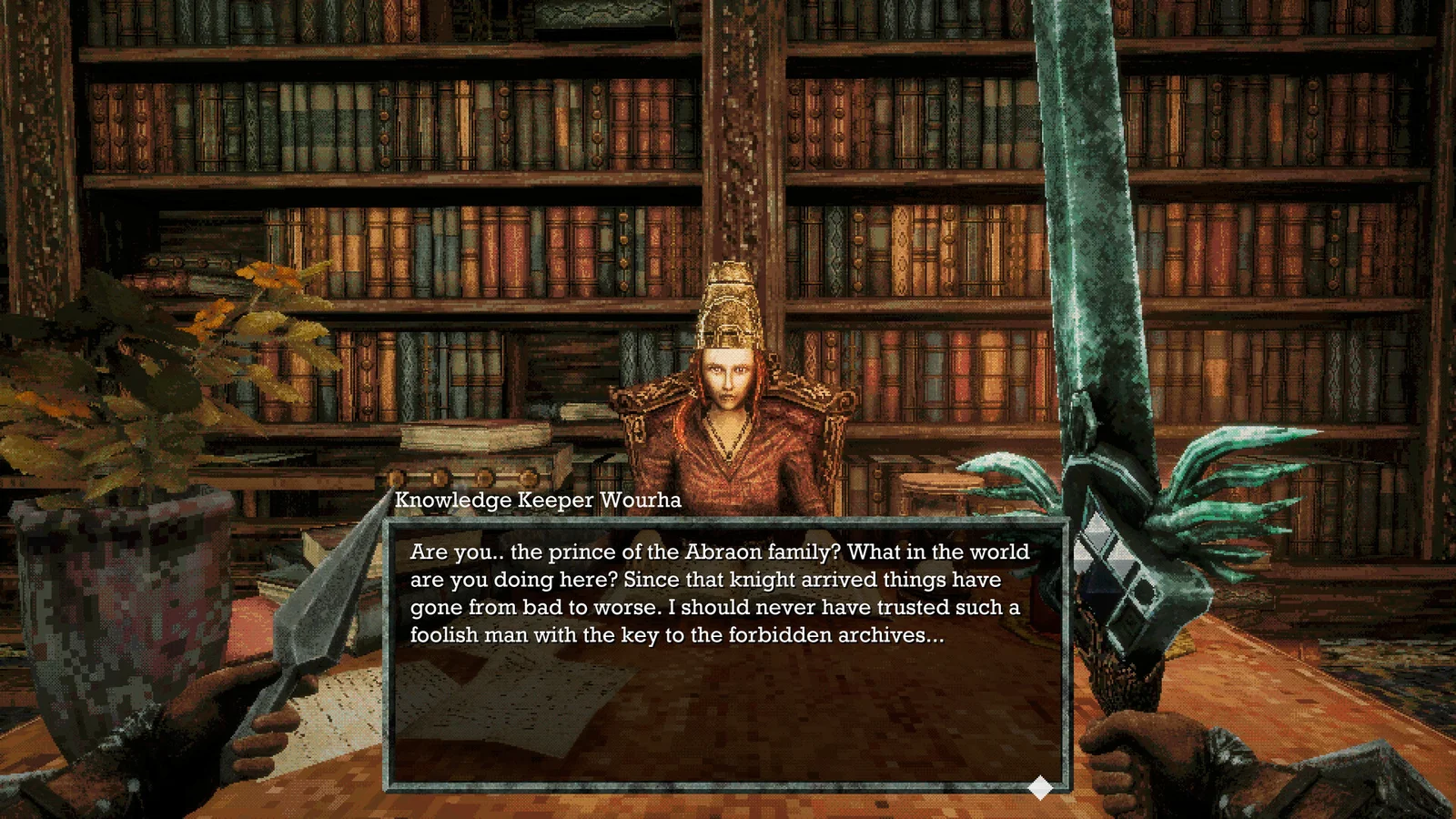
What does Rest change?
Rest fully restores Life Points and clears negative status effects according to the mechanics guide. It also respawns enemies in the area. Treat the trip away from a monument as a fresh combat route rather than assuming the path you cleared stays empty.
Are previously cleared routes permanently safe?
The same guide reports that enemies can return after time passes. Keep space to retreat and use discovered shortcuts. This is not a promise that every enemy follows an identical timer, and no universal respawn duration is established here.
Related guides
Related Articles
combat
Power Meter and Charged Attacks: Avoiding Weak Swings
Let the Power Meter recover before expecting a strong melee hit, and stop running when you need it to refill. Launch guides explain that running
combat
Shrine Guardian: First Boss and Holy Sword Endu
Bring the shrine key, charged throwing daggers and quick-slot healing before entering the coastal shrine. Give the Guardian’s overhead strike extra
combat
Status Effects: Recognizing Debuffs and Recovering
Check the Status screen or the in-game Guide when an effect changes movement, damage or available actions. Launch-version notes distinguish ailments
Was this helpful?
Thanks for the feedback!